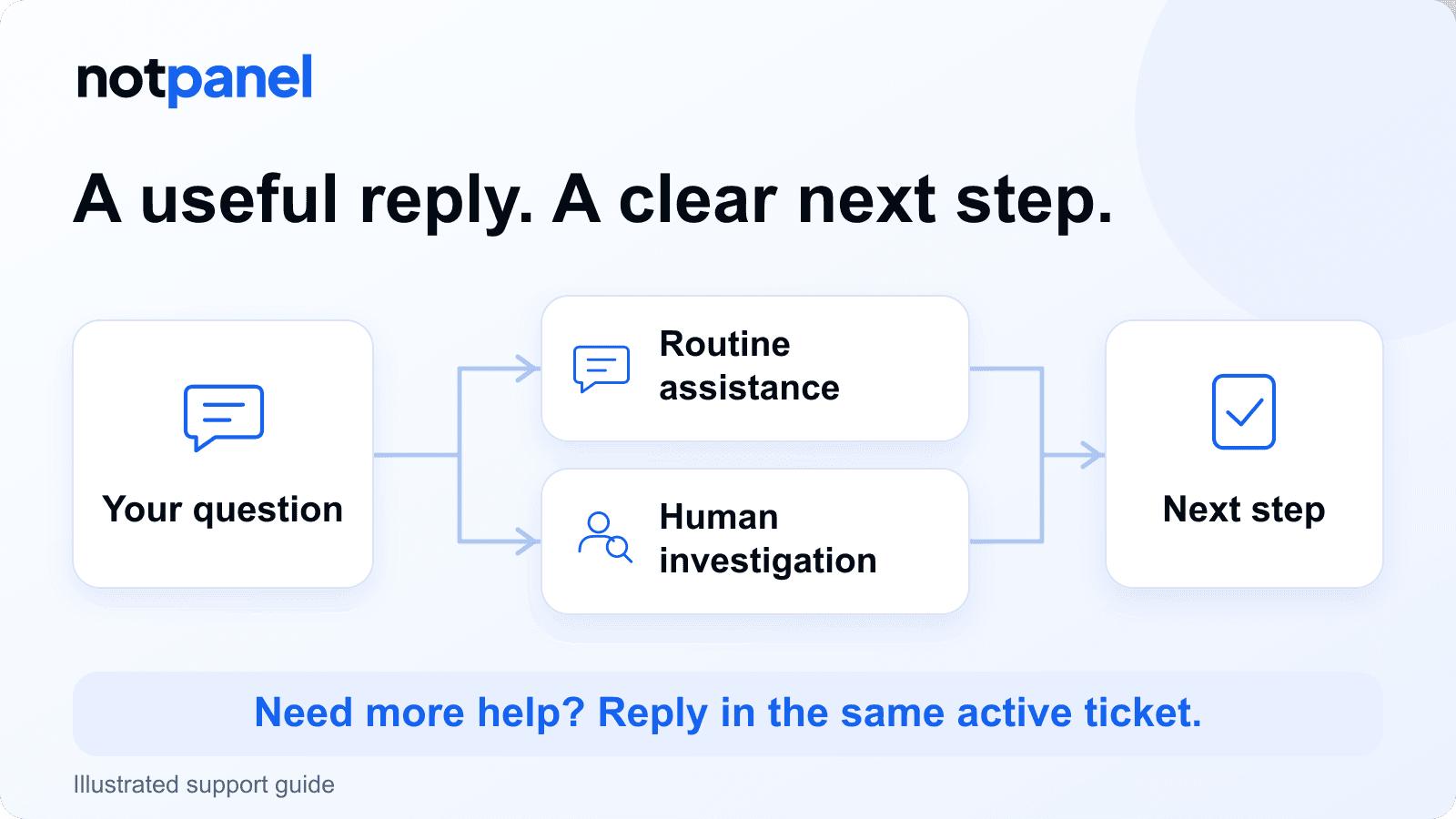
Need help with a NotPanel order, payment or account? Open Dashboard → Support and include the relevant reference. NotPanel uses AI-assisted help for routine questions and human review for investigations and payment decisions. Routine assistance operates around the clock; human review follows a separate schedule. A reply does not necessarily mean the issue has been resolved.
Cannot sign in? Use the support email on the public Contact NotPanel page. You can reach that page without an account. For an existing ticket, keep the conversation together by replying in its thread while it remains open.
A status question and a missing payment need different kinds of help. The first may need a clear explanation of the latest order information. The second may require someone to compare a payment reference with account records. This guide explains how to get the right details to support and what to do after the reply.
How long should I expect to wait?
Routine AI-assisted replies are intended to arrive in roughly ten minutes, day or night. Human staff normally check tickets about every four hours. Sunday coverage is reduced, and human replies can take six to eight hours. These are operating expectations described by NotPanel support, not a deadline for every ticket or a promise that an investigation will finish in that time.
| Support stage | What the timing describes |
|---|---|
| Routine assistance | Available 24/7, including Sundays. A roughly ten-minute first reply is the working expectation when the question can be answered from available information. |
| Human review | Staff normally check tickets about every four hours. Sunday replies can take six to eight hours. The check schedule is separate from the time needed to investigate. |
| Resolution | Depends on the issue, required evidence and any verification still needed. A reply or first review does not establish a completion time. |
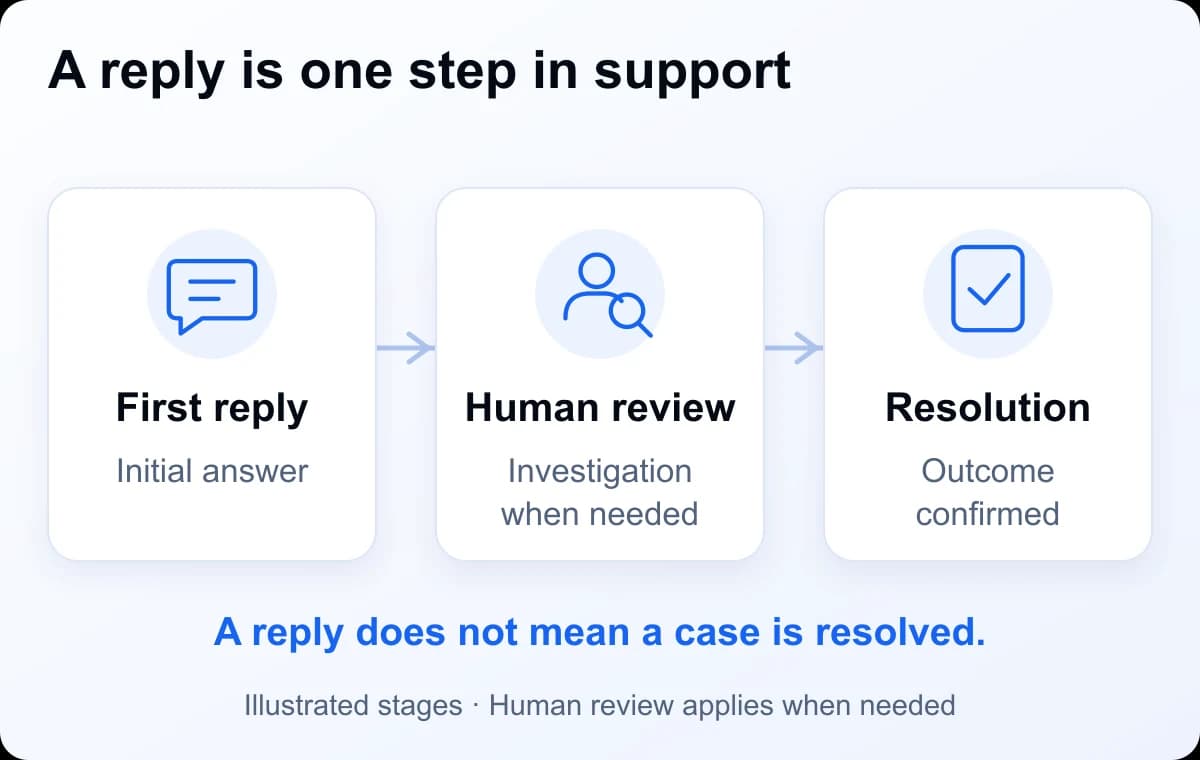
A first reply is the first answer you receive; read whether it explains the issue, asks for evidence or simply acknowledges it. Human review means a person examines the case. Resolution means the requested issue has been addressed or a decision has been explained. Some routine questions finish with one useful reply. Other tickets need several exchanges.
What does AI-assisted support do?
AI assistance is part of NotPanel's support team's workflow for preparing routine answers. It can help explain the latest status shown in our system, point to the relevant order rules and compare service information against your requirements. Customers ask through the support ticket, rather than needing to use a separate AI product.
For an order question, include the order ID and what you want checked. For example, “Has any of this order been delivered?” is different from “When will the whole order finish?” A Processing label alone does not confirm delivery. If the records show that part of the order has arrived, support can explain that progress and the next useful check.
When information is missing, conflicting or needs a decision, the case needs human investigation. Payment mismatches, account-access problems and disputed outcomes should include the evidence a person can check. A helpful answer can explain a policy; it does not itself approve a payment credit, issue a refund or change account ownership.
For service-selection help, provide the platform, quantity and timing you need. Check the current service details, average start-time information and order-feedback ratings alongside any suggestion. A recommendation helps you compare options; it does not change the service terms or the social platform's rules.
How do I ask for human review or follow up?
Reply in the same ticket and say what needs investigation. If an answer is wrong or incomplete, identify the incorrect detail and add evidence that changes the picture. You can write “Please have a person review this payment mismatch” or “The reply did not address the missing delivery.” This is a request in your message, not a special command or a separate priority button.
- Open the ticket in Dashboard → Support.
- If it is still active, reply with the unresolved question, any new evidence and the review you need. An Answered status means support has replied; you can still continue the conversation.
- If it is Closed, select New Ticket. Include the old ticket reference and explain what still needs attention. Closed tickets do not accept new replies.
- If you cannot access the ticket or sign in, use the email listed on the public Contact page and include the existing reference when available.
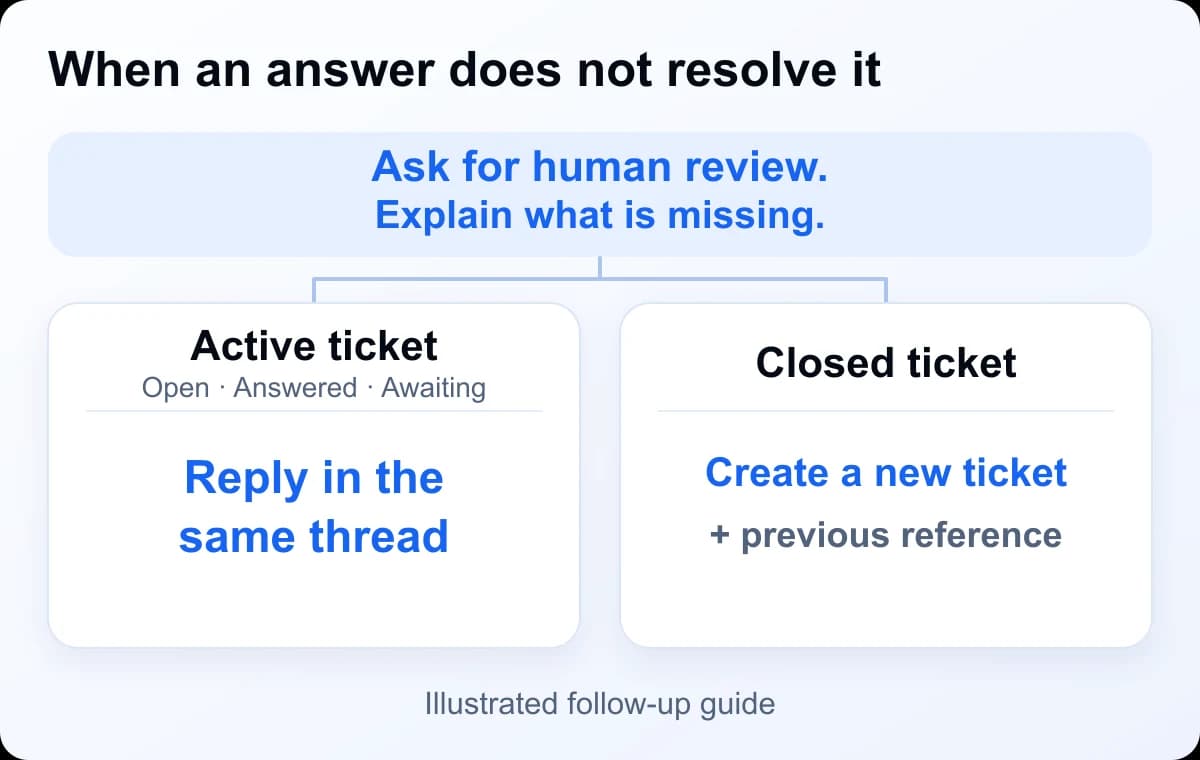
If nobody has replied after the expected review interval, check the ticket for updates, then add a concise follow-up in that thread. Include anything that has changed since your first message. Keeping the order reference, evidence and previous replies together helps the next reviewer understand the issue.
Which category and details should I use?
In Support, select New Ticket. The New Conversation form asks for a category and message. Choose Order, Payment, Account or Other, then describe what happened and what you need checked. An Order ticket also asks you to select the relevant order from your account.
Your NotPanel account balance is the money available for placing orders. A payment receipt and a credit to that balance are different records. If they do not match, include both sides of the discrepancy so support can investigate.
| Your question | Where to ask and what to include |
|---|---|
| Order status or delivery | Choose Order and select the order. Add its latest status and the delivery you expected. Support can explain the status or investigate the discrepancy. |
| Payment not credited or amount mismatch | Choose Payment. Add the gateway, payment reference, currency, amount requested, amount actually sent and payment date with time zone. A person can compare those details with the payment record. |
| Account access | Choose Account if you can sign in. Otherwise use the email on the Contact page. Describe the access problem; account changes require the relevant verification. |
| Service selection or another question | Choose Other. For service advice, add the platform, quantity and any timing, refill or scheduling requirement so the comparison is useful. |
What information is safe to share?
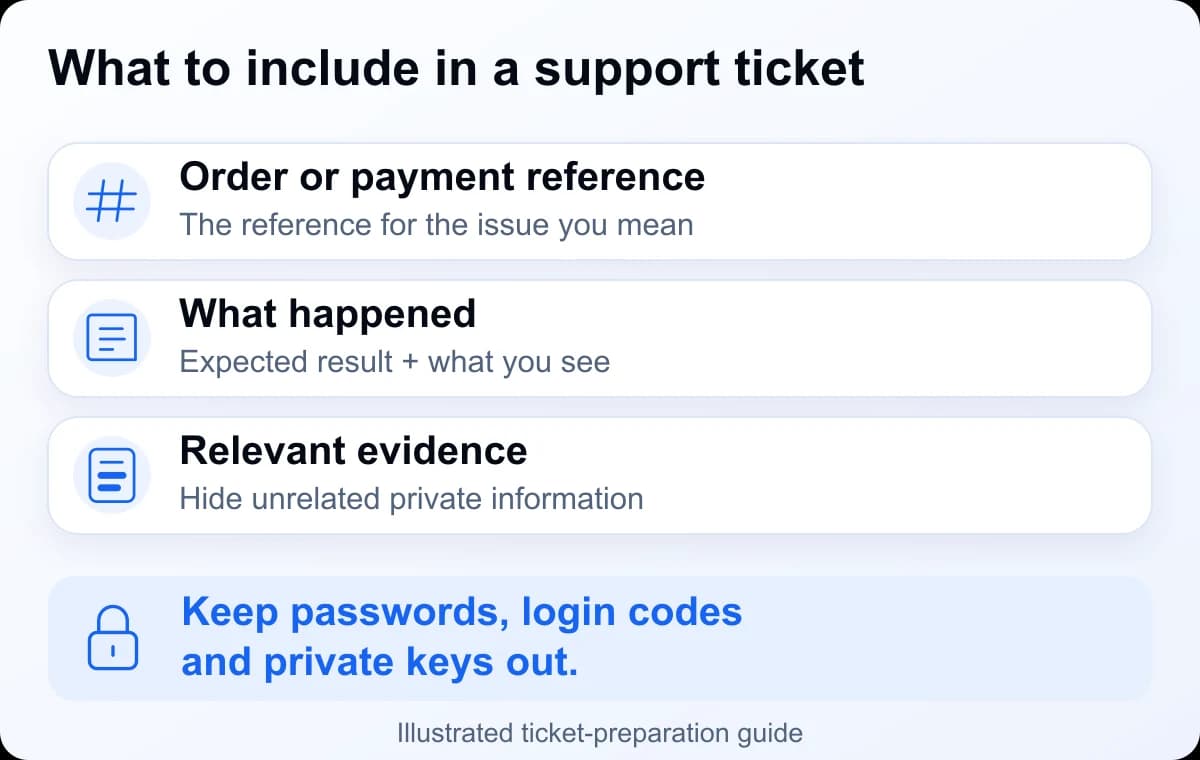
Send the relevant order ID or payment reference through your private ticket. You can attach up to five images per message, each no larger than 2 MB, in JPG, PNG, GIF or WebP format. Before attaching a screenshot, crop it to the problem and hide unrelated transactions, personal information and payment credentials. Keep a copy of the original receipt for your own records.
Never send passwords, one-time authentication codes, recovery codes, API secrets, wallet private keys or seed phrases. Support does not need those secrets to identify an order or payment. If an email's origin is unclear, navigate to the Contact page yourself to find the published support address.
Ticket messages and evidence are support information. Read NotPanel's Privacy Policy for its data-use terms and retention policy. For a question about how your information is handled, contact support before sending optional sensitive material. Share only what is needed to investigate the issue.

What are these timing expectations based on?
The support schedule above reflects the workflow described by NotPanel support operations on 6 September 2026: routine assistance runs continuously, and human staff check cases at separate intervals. The ten-minute figure is an operating expectation for a routine first reply. The four-hour figure describes the normal human checking interval. Neither measures time to final resolution.
These operating expectations apply to dashboard tickets. Email and other contact routes can follow a different schedule.
NotPanel support guide. Ticket instructions and public contact routes checked on 8 September 2026. The screenshot is dated evidence of the public interface; diagrams and the example message are explanatory illustrations.
More questions about getting support
Can I get help if I cannot sign in?
Yes. Open NotPanel's public Contact page and use the support email shown there. Explain the sign-in problem and identify the account you need help with. Do not send your password, authentication codes or recovery codes. Account recovery can require verification before any change is made.
Does an AI-assisted reply approve a payment credit or refund?
No. An explanation or acknowledgement is not approval of a financial adjustment. A payment mismatch or disputed charge needs human investigation and the relevant checks. Confirm the actual result in your NotPanel account balance, transaction history or order details.
Why was my answered ticket closed?
An answered ticket can close automatically after seven days without a customer reply. Tickets still awaiting the support team are not closed by that inactivity rule. If you still need help after closure, create a new ticket and include the previous ticket reference and what remains unresolved.