An instant-follower order is a purchase of a stated quantity from a service that describes a fast intended start. The word “instant” describes the intended start of delivery. On NotPanel, the useful comparison is the selected service's current details and Avg. start.
Consider the three questions a buyer actually needs answered: what am I ordering, when does delivery begin, and how will I check the result? Keeping those questions separate makes it easier to choose a service and explain any problem later.
What happens when you place the order?
- Select a service. Match the platform, category and required target format. Read the rate, quantity limits and service description.
- Review the purchase. Confirm the target, requested quantity and charge in the order form. A Wallet deposit is funding for purchases; it is not itself a follower order.
- Submit once. The accepted order gets an order reference and charge. An eligible ordinary order has a short Pending period before submission for fulfillment.
- Follow delivery. Keep that reference as the order moves through its status updates. First delivery and completion can happen at different times.
- Review the outcome. Check the recorded order result, any refund information and the actual target. Keep the record if you need support.
The live catalog is the place to compare available services. A service name alone does not prove how the activity is sourced or whether the people behind an account will become an interested audience. Avoid filling those gaps with assumptions about private delivery methods.
Start time, completion and later counts tell you different things
NotPanel's Avg. start estimates the wait from placement to first observed positive delivery. Read the available source and sample information when comparing similar services. A service can start quickly and take longer to finish a large quantity.
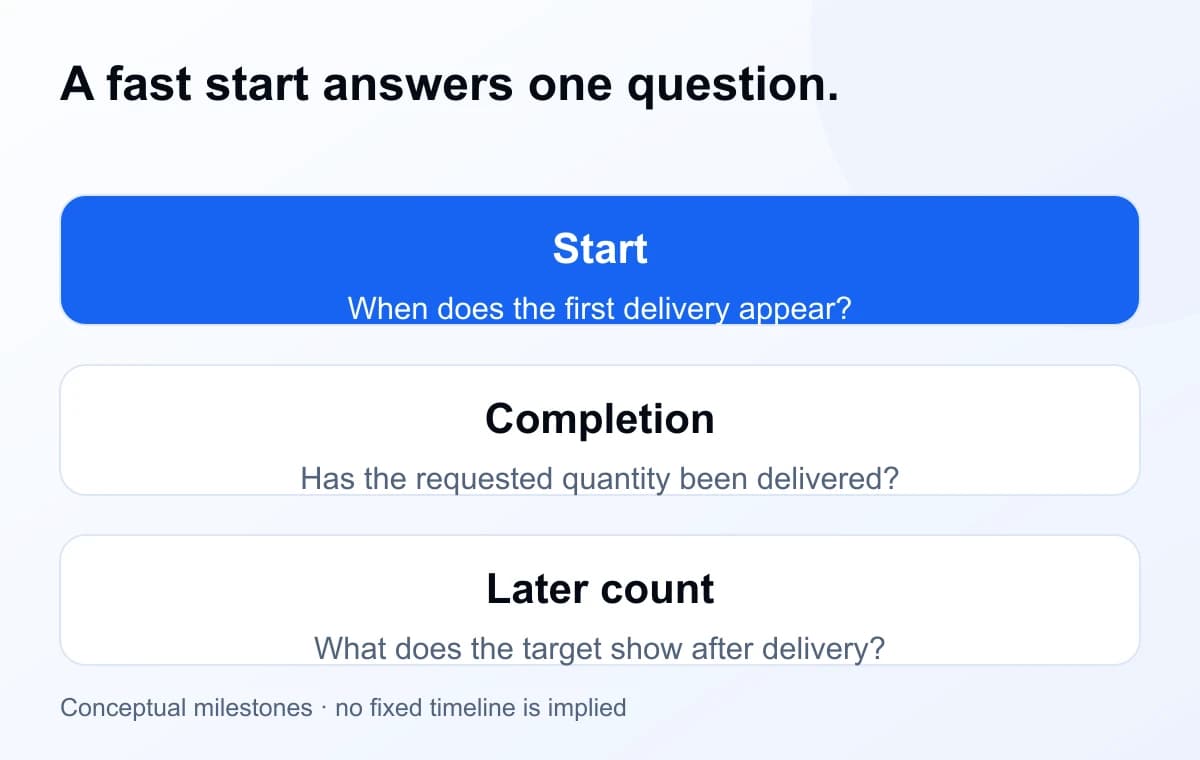
For an illustrative order with a 10-minute start estimate, seeing the first delivery near minute 10 would be consistent with that estimate. It would not mean a 1,000-unit order should already be complete. Check the order's progress before treating an unfinished quantity as a missed start.
Which service details should you compare?
| Detail | Why it matters |
|---|---|
| Target format | A profile link, username and post URL are not interchangeable. Use the exact required input. |
| Rate and quantity limits | Compare the charge for the quantity you intend to buy, not just the largest number in the listing. |
| Avg. start | Compare when delivery begins, using the available timing evidence. |
| Order feedback | Read likes, dislikes and sample size together. They represent rated orders, not every purchase. |
| Refill support | Check the current service capability and eligibility. A refill label is not a promise of permanent retention. |
The service-ratings guide shows where feedback appears and what the counts mean. Use a small deliberate order to learn about the specific service's delivery, while recognizing that a small test does not predict sales or future platform decisions.
Why the public follower counter needs context
Your visible count can change while an order is running. People may follow or unfollow independently, other campaigns may be active, and the platform may revise which accounts or activity it counts. A screenshot is useful evidence, but a before-and-after subtraction cannot always identify which change came from one order.
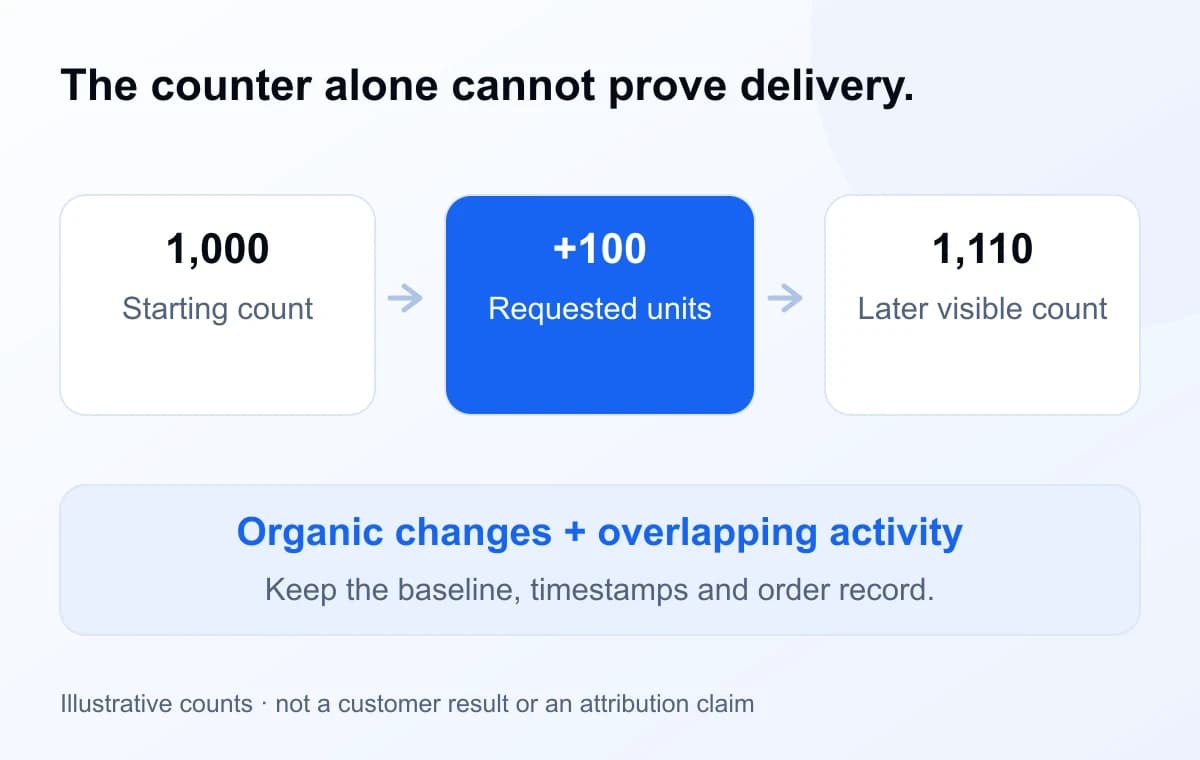
Record the starting count with its time, the order ID, target link and any other activity you know about. Check the final order status as well as the target. When reporting a discrepancy, explain what you observed instead of guessing at its cause or calculating a refund from a changing public counter.
What to do if something looks wrong
First check the original service and target against the accepted order. If an eligible ordinary order is still Pending and within the 15-second pre-submission window, the cancellation option can reverse that order. Do not assume the window remains open because no visible followers have arrived.
After submission, use Orders to follow the result. For a delayed order or a count discrepancy, open Support with the order ID, link and dated evidence. Keep follow-ups in the same active ticket. For a later drop, check the service's current refill eligibility; a refill request and an order refund are different remedies.
Questions about instant-follower orders
Does an instant-start service deliver every follower immediately?
No. A start label describes when delivery is intended to begin. The first delivery, completion of the requested quantity and the later follower count are separate milestones. Compare the current service's Avg. start and then follow the accepted order.
How do I compare two instant-follower services?
Compare their accepted target links, quantity limits, current rates and Avg. start. Open both descriptions to check their delivery options before choosing.
What should I do if the count drops after completion?
Keep the order reference, target link, baseline and dated screenshots. Check whether that service currently supports a refill request and whether the order is eligible. Use the order's support or refill flow; a lower public count alone does not establish the cause or an automatic refund amount.
Where can I track my follower order?
Open Orders in your dashboard and find the accepted order reference. Keep the target link and placement time alongside it so you can compare the status with the right profile.